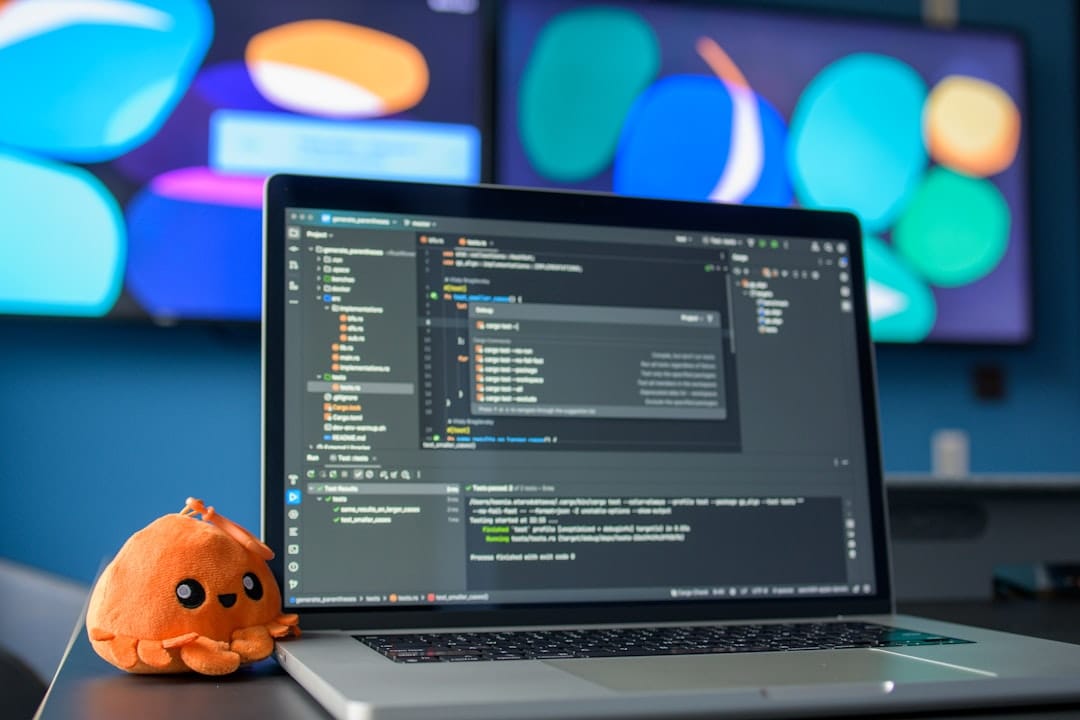
Cursor Review: Best AI Code Editor 2026 – Complete Guide
Cursor has rapidly emerged as the most talked-about AI code editor for 2026, promising to revolutionize how developers write, debug, and maintain code. This comprehensive Cursor review examines whether this AI-powered coding assistant lives up to the hype and deserves a spot in your development toolkit.
As artificial intelligence reshapes software development, choosing the right AI code editor can dramatically impact your productivity, code quality, and overall development experience. Let’s dive deep into what makes Cursor stand out in an increasingly crowded field.
Why AI Code Editors Matter in 2026
The coding landscape has fundamentally shifted. Traditional IDEs that simply highlight syntax and manage files feel antiquated compared to modern AI-powered development environments that understand context, suggest entire functions, and even debug code autonomously.
Developer productivity has become the ultimate competitive advantage. Teams using advanced AI code editors report 40-60% faster development cycles, fewer bugs in production, and significantly reduced time spent on routine coding tasks.
Code quality improvements are equally impressive. AI editors catch potential issues before they become problems, suggest best practices in real-time, and help maintain consistent coding standards across entire teams.
The stakes are higher than ever. Companies investing in the right AI coding tools are shipping features faster, attracting top talent, and staying ahead of competitors still using outdated development environments.
Cursor: Complete Feature Analysis
Core AI Capabilities
Cursor’s AI engine represents a significant leap forward in intelligent code assistance. The editor uses advanced language models trained specifically on code, understanding not just syntax but programming patterns, best practices, and project context.
The predictive coding feature anticipates what you’re trying to build and suggests entire code blocks, functions, or even architectural patterns. Unlike basic autocomplete, Cursor understands your project’s structure and coding style.
Natural language programming allows developers to describe functionality in plain English. Type “create a function that validates email addresses” and Cursor generates production-ready code with proper error handling and edge case management.
Smart Code Generation
Multi-language support covers Python, JavaScript, TypeScript, Go, Rust, Java, C++, and 20+ other programming languages. The AI maintains consistent quality across different tech stacks.
Context-aware suggestions analyze your entire codebase, not just the current file. Cursor understands your project’s dependencies, architectural patterns, and existing code conventions.
Refactoring assistance helps modernize legacy code, optimize performance bottlenecks, and implement design pattern improvements with minimal manual intervention.
Debugging and Error Prevention
Real-time error detection identifies potential issues as you type, explaining why certain code patterns might cause problems and suggesting immediate fixes.
Related reading: AI development tools
Related reading: AI automation tools
Related reading: AI writing assistants
Related reading: AI tools for productivity
Intelligent debugging goes beyond traditional breakpoints. Cursor can analyze stack traces, suggest probable causes for bugs, and even generate test cases to reproduce issues.
Security vulnerability scanning automatically flags potential security risks, from SQL injection vulnerabilities to insecure API implementations.
Collaboration Features
Team synchronization keeps multiple developers aligned with shared coding standards, consistent formatting, and collaborative code review suggestions.
Git integration provides intelligent merge conflict resolution, suggesting the best approach when combining different developers’ work.
Documentation generation automatically creates comprehensive code documentation, API references, and inline comments that explain complex logic.
Cursor Pricing and Plans
Free Tier
- Price: $0/month
- Features: Basic AI suggestions, 100 AI requests per month, single project support
- Best for: Individual developers, small personal projects
Pro Plan
- Price: $20/month per user
- Features: Unlimited AI requests, advanced code generation, team collaboration, priority support
- Best for: Professional developers, small to medium teams
Enterprise Plan
- Price: $50/month per user
- Features: Custom AI training, advanced security, SSO, dedicated support, unlimited projects
- Best for: Large organizations, enterprise development teams
Pros and Cons
Advantages
Exceptional AI accuracy sets Cursor apart from competitors. The suggestions feel genuinely helpful rather than generic autocomplete improvements.
Lightning-fast performance ensures the AI assistance never slows down your coding workflow. Response times average under 200ms for most suggestions.
Seamless integration with existing development workflows means minimal learning curve for teams switching from traditional IDEs.
Comprehensive language support eliminates the need for multiple specialized editors when working across different tech stacks.
Regular updates keep the AI models current with latest programming trends, frameworks, and best practices.
Disadvantages
Internet dependency means offline coding loses most AI functionality, which can be problematic for remote development scenarios.
Learning curve exists for developers unfamiliar with AI-assisted coding, though it’s generally minimal.
Subscription cost may be prohibitive for freelancers or small teams with tight budgets, especially compared to free traditional IDEs.
Over-reliance risk where developers might become too dependent on AI suggestions without fully understanding the generated code.
Key Things to Look For When Choosing an AI Code Editor
AI Model Quality
Response accuracy should be your top priority. Test how well the AI understands your specific programming languages, frameworks, and coding patterns.
Context awareness determines whether suggestions make sense within your project’s architecture and existing codebase.
Learning capability shows how well the AI adapts to your coding style and project requirements over time.
Performance and Reliability
Speed benchmarks matter for daily productivity. AI suggestions should appear instantly without disrupting your coding flow.
Uptime reliability ensures the AI assistance remains available when you need it most, especially during critical development phases.
Offline functionality provides backup options when internet connectivity becomes unreliable.
Integration Ecosystem
Version control compatibility with Git, SVN, and other systems ensures smooth collaboration workflows.
Plugin architecture allows extending functionality with specialized tools for testing, deployment, and project management.
API access enables custom integrations with existing development tools and workflows.
Security and Privacy
Code privacy policies should clearly explain how your proprietary code is handled, stored, and protected.
Enterprise security features like SSO, audit logs, and compliance certifications matter for business use.
Data retention policies affect how long your coding patterns and project information remain in the AI system.
Frequently Asked Questions
Is Cursor worth the subscription cost compared to free alternatives?
Cursor’s advanced AI capabilities justify the cost for professional developers. The productivity gains from intelligent code generation, debugging assistance, and error prevention typically save more time than the subscription fee costs. However, hobbyist developers might find the free tier sufficient for personal projects.
How does Cursor compare to GitHub Copilot and other AI coding assistants?
Cursor offers superior context awareness and more accurate suggestions than most competitors. While GitHub Copilot excels at general code completion, Cursor’s project-wide understanding and architectural suggestions provide deeper assistance. The choice depends on whether you prioritize broad compatibility (Copilot) or advanced AI features (Cursor).
Can Cursor handle complex enterprise codebases with millions of lines of code?
Cursor’s enterprise features are designed for large-scale development projects. The AI can analyze extensive codebases, maintain context across multiple files, and provide relevant suggestions even in complex architectural environments. Performance remains consistent regardless of project size, though initial indexing may take time for very large repositories.
Does using Cursor improve or hinder learning for junior developers?
Cursor can accelerate learning when used thoughtfully. The AI explains suggested code, demonstrates best practices, and helps junior developers understand complex patterns. However, over-reliance without understanding the generated code can hinder skill development. The key is using Cursor as a learning aid rather than a replacement for fundamental programming knowledge.
Final Verdict
Cursor earns a solid 8.5/10 as the best AI code editor for 2026. The combination of exceptional AI accuracy, comprehensive language support, and seamless workflow integration makes it a standout choice for serious developers.
For professional developers and teams, Cursor represents an excellent investment. The productivity gains, code quality improvements, and debugging assistance easily justify the subscription cost. The Pro plan offers the best value for most development teams.
Individual developers should consider their specific needs and budget. The free tier provides enough functionality to evaluate Cursor’s potential, while the Pro plan becomes worthwhile once AI assistance becomes essential to your workflow.
Enterprise teams will appreciate the advanced security features, custom AI training options, and dedicated support. The Enterprise plan’s cost is reasonable considering the potential productivity improvements across large development teams.
Bottom line: If you’re serious about maximizing your coding productivity in 2026, Cursor deserves a place in your development toolkit. Start with the free tier to experience the AI capabilities, then upgrade based on your specific needs and usage patterns.