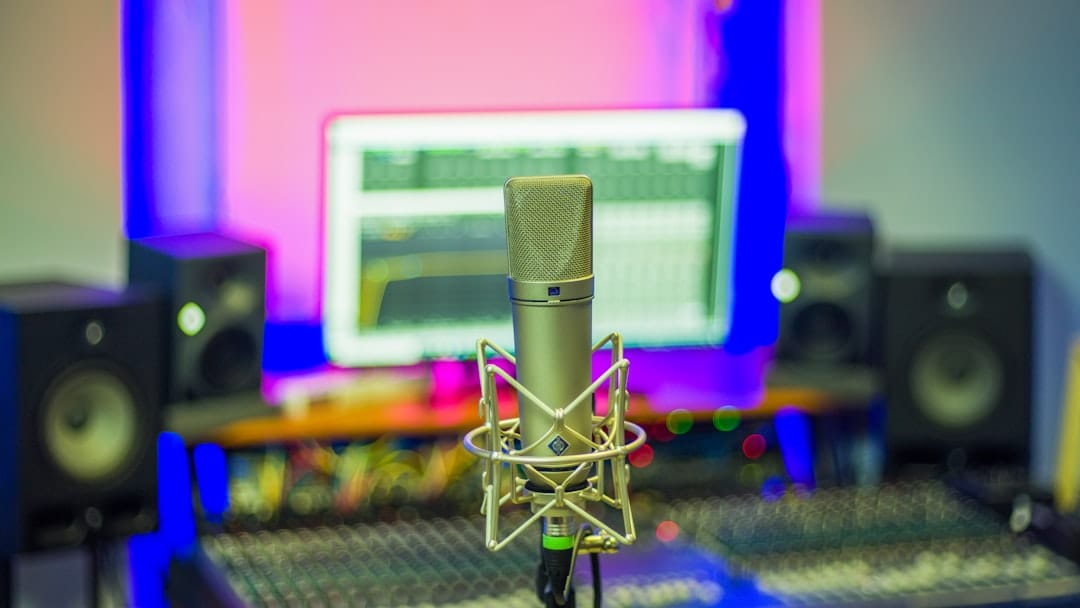
How to Use ElevenLabs for Voiceovers (Complete 2026 Guide)
Creating professional voiceovers has never been more accessible thanks to ElevenLabs, the AI-powered text-to-speech platform that’s revolutionizing audio content creation. Whether you’re a content creator, marketer, or business owner, learning how to use ElevenLabs for voiceovers can dramatically improve your video content, podcasts, and marketing materials while saving time and budget.
This comprehensive guide walks you through everything from account setup to advanced voice cloning techniques, ensuring you get the most out of this powerful AI voiceover tool.
Why AI Voiceovers Matter in 2026
The voiceover industry has experienced a seismic shift toward AI-generated content. Traditional voice actors can cost $200-500 per project, with weeks of back-and-forth revisions.
ElevenLabs offers broadcast-quality voiceovers in minutes, not days. The platform’s neural networks produce incredibly realistic speech that’s often indistinguishable from human recordings.
For businesses scaling content production, AI voiceovers provide consistency across projects. You’ll never worry about voice actors being unavailable or pricing fluctuations affecting your budget.
The technology has reached a tipping point where AI voiceovers are no longer “good enough” – they’re genuinely excellent for most commercial applications.
Getting Started with ElevenLabs
1. Getting Started with Your ElevenLabs Account
Visit ElevenLabs.io and create your account. The platform offers a free tier with 10,000 characters monthly – perfect for testing the waters.
Choose from three paid plans:
- Starter: $5/month (30,000 characters)
- Creator: $22/month (100,000 characters)
- Pro: $99/month (500,000 characters)
After signing up, you’ll access the main dashboard where all the magic happens. The interface is clean and intuitive, even for beginners.
2. Selecting the Perfect Voice for Your Project
ElevenLabs provides dozens of pre-built voices across different ages, accents, and styles. Each voice includes audio samples so you can preview before committing.
Popular voice categories include:
- Professional narrators for corporate content
- Conversational voices for explainer videos
- Character voices for gaming and entertainment
- Multilingual options for global audiences
Click any voice to hear a sample. Pay attention to tone, pace, and emotional range – these factors significantly impact your final voiceover quality.
Related reading: AI tools for podcasters
Related reading: alternative AI voice tools
3. Crafting Your Script for Optimal Results
Script preparation is crucial for professional-sounding voiceovers. ElevenLabs processes text literally, so formatting matters enormously.
Related reading: creating YouTube scripts with AI
Related reading: AI tools for YouTube creators
Best practices for script writing:
You can get started by creating an account on the ElevenLabs official website and exploring their various pricing plans. ElevenLabs official website.
- Use periods for natural pauses
- Add commas for slight breathing breaks
- Write numbers as words (“twenty-five” not “25”)
- Include pronunciation guides for complex terms
- Keep sentences under 20 words for better flow
Test different script variations to find what works best with your chosen voice. Small adjustments can dramatically improve naturalness.
4. Adjusting Voice Settings for Perfect Output
ElevenLabs offers two key controls: Stability and Clarity + Similarity Enhancement.
Stability (0-100%):
- Low settings (20-40%): More expressive, variable delivery
- High settings (70-90%): Consistent, predictable output
- Use lower stability for character voices, higher for professional narration
Clarity + Similarity Enhancement:
- Improves pronunciation accuracy
- Maintains voice consistency across longer texts
- Generally keep this enabled unless experiencing issues
5. Generating and Downloading Your Voiceover
Paste your script into the text box and click “Generate”. Processing typically takes 10-30 seconds depending on text length.
Listen to the preview before downloading. If you’re unsatisfied, adjust your script or voice settings and regenerate.
Download options include:
- MP3 for most projects
- WAV for professional audio editing
- 44.1kHz sample rate for broadcast quality
6. Advanced Features: Voice Cloning
ElevenLabs’ voice cloning feature creates custom voices from audio samples. This requires the Creator plan or higher.
Upload 1-5 minutes of clear audio recordings. The AI analyzes speech patterns, tone, and characteristics to create your custom voice model.
Voice cloning works best with:
- Studio-quality recordings
- Consistent speaking pace
- Minimal background noise
- Single speaker only
Processing takes 10-15 minutes. Once complete, your cloned voice appears alongside pre-built options.
7. Integration and Workflow Tips
For regular voiceover production, develop a systematic workflow:
Save frequently used settings as presets. This streamlines production for ongoing projects or series content.
Key Things to Look For When Using ElevenLabs
Audio Quality Standards
Always preview your generated voiceovers before finalizing projects. While ElevenLabs produces excellent results, occasional artifacts or pronunciation issues can occur.
Listen for:
Text-to-speech technology has evolved significantly over the past decades, and according to Wikipedia, modern speech synthesis systems now use advanced neural networks to produce remarkably human-like voices. according to Wikipedia.
- Unnatural pauses or rushed delivery
- Mispronunciations of technical terms
- Inconsistent volume levels throughout
- Robotic inflection patterns
Most issues resolve with script adjustments or different voice selections.
Character and Usage Limits
Monitor your monthly character usage through the dashboard. Overage charges apply if you exceed your plan limits.
Characters include:
- Letters, numbers, and punctuation
- Spaces between words
- Special characters and symbols
The Pro plan offers the best value for high-volume users, while the Starter plan suits occasional creators.
Voice Licensing and Commercial Use
All ElevenLabs plans include commercial usage rights for generated content. You can use voiceovers in:
- YouTube videos and podcasts
- Marketing campaigns and advertisements
- E-learning courses and training materials
- Mobile apps and software products
However, voice cloning requires explicit permission from the original speaker for commercial applications.
Performance Optimization
For best results, keep individual text blocks under 500 characters. Longer passages may experience quality degradation or processing timeouts.
Break lengthy scripts into smaller segments, then combine the audio files during post-production. This approach provides better control over pacing and emphasis.
Frequently Asked Questions
Can I use ElevenLabs voiceovers for commercial projects?
Yes, all ElevenLabs subscription plans include commercial usage rights. You can use generated voiceovers in YouTube videos, advertisements, courses, and other commercial content without additional licensing fees. However, always ensure your voice cloning projects have proper permissions from the original speaker.
How realistic do ElevenLabs voices sound compared to human voice actors?
ElevenLabs voices are remarkably realistic, often indistinguishable from human recordings for most listeners. The quality rivals professional voice actors for narration, explainer videos, and corporate content. However, human actors still excel at highly emotional or nuanced performances requiring specific acting skills.
What’s the difference between ElevenLabs and other AI voice platforms?
ElevenLabs stands out for its superior voice quality and natural-sounding output. While competitors like Murf or Speechify offer similar features, ElevenLabs’ neural networks produce more realistic speech patterns, better emotional range, and fewer robotic artifacts. The voice cloning feature is also more advanced than most alternatives.
How many characters do I need for typical voiceover projects?
A typical YouTube video script uses 800-1,200 characters per minute of audio. Podcast introductions need 200-400 characters, while explainer videos require 1,000-2,000 characters depending on length. The Creator plan’s 100,000 monthly characters support roughly 80-120 minutes of generated audio.
Final Verdict
ElevenLabs represents the current gold standard for AI-powered voiceovers. The platform combines exceptional audio quality with user-friendly tools, making professional voiceovers accessible to creators at every level.
The $22/month Creator plan offers the best value for most users, providing ample characters plus voice cloning capabilities. Small businesses and individual creators will find this tier perfect for regular content production.
While ElevenLabs can’t completely replace human voice actors for every scenario, it excels at the bread-and-butter voiceover work that comprises 80% of most projects. The time and cost savings make it an essential tool for modern content creators.
For anyone serious about scaling their voiceover production, ElevenLabs delivers professional results without the traditional hassles of working with human talent. The platform earns a strong recommendation for businesses ready to embrace AI-powered audio content.
—